























A versatile course builder — handy for any professional

First-timers
No team? No problem. Add your content, go live with a template website, and start earning right away. We’ll take care of the tech.

Creators
Create content and grow your course while automated flows bring in students and capture payments hands-free.

Edupreneurs
Run your entire business from a single dashboard. Courses, marketing, sales, analytics, and your team — always at a glance, no tool-switching needed.

HR managers
Onboard and upskill your team your way. Create lessons, assign access rights, and get your training program up and running right away.
From spark to riches — one toolkit to bring your course to life
No need to piece together multiple tools — SendPulse does it all.
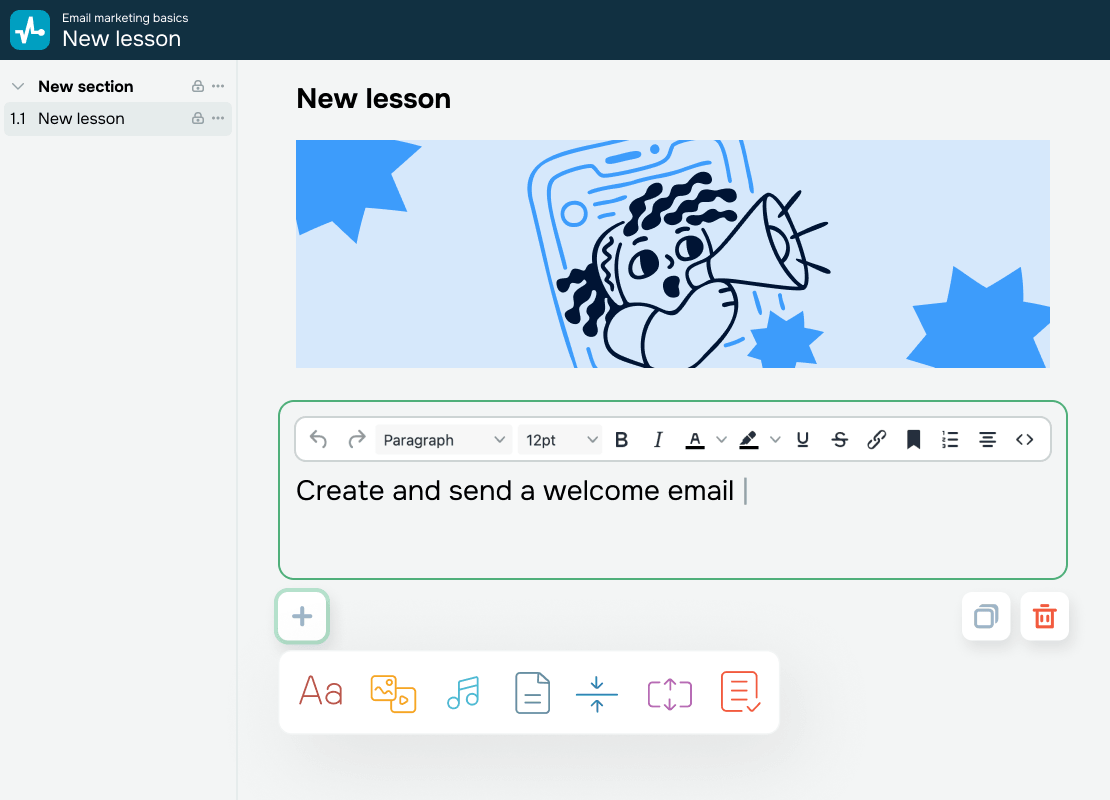
Create a course with no extra hires
Run your course on your own terms:
-
 Add videos, slides, podcasts, eBooks, and more.
-
 Bring it all into clear sections.
-
 Round your lessons off with quizzes and assignments.
Before you know it, your course is ready to go live.
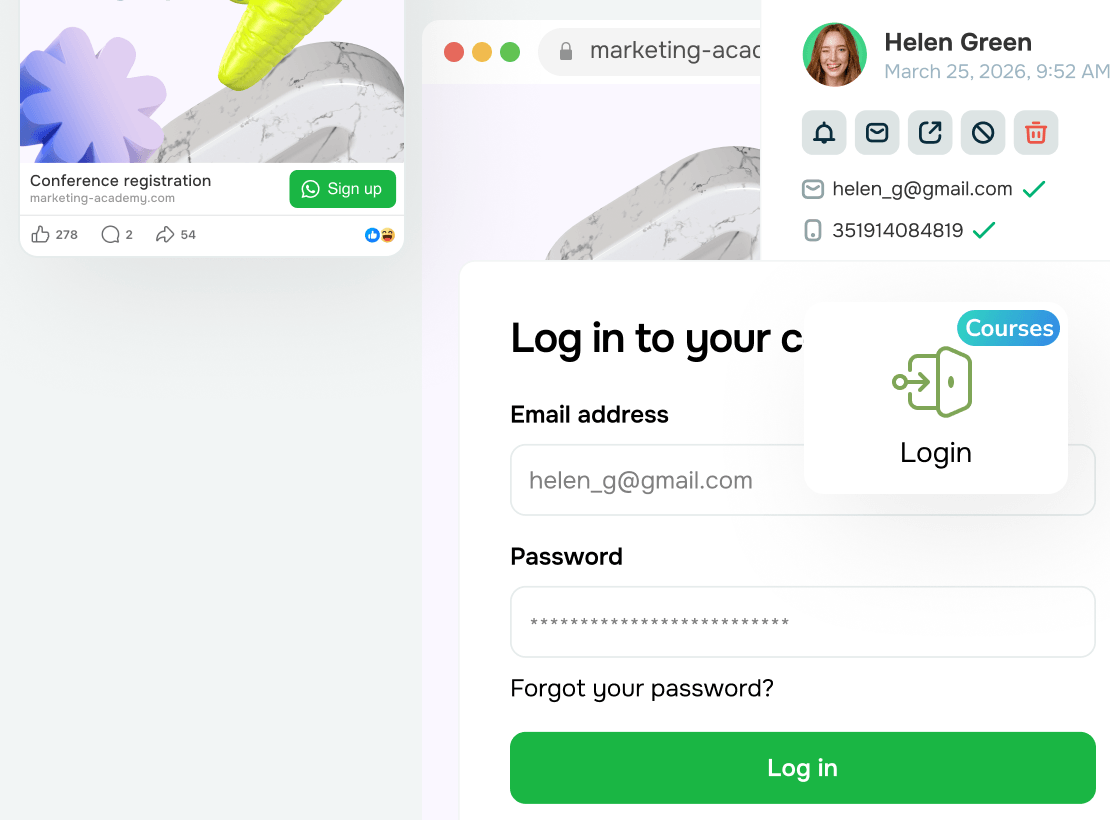

Go where your students are
Start with a template-based course website, then reach your audience through ads and social media.
Let your students enroll however they like — through your website or chatbots on WhatsApp, Instagram, Facebook, and other platforms.
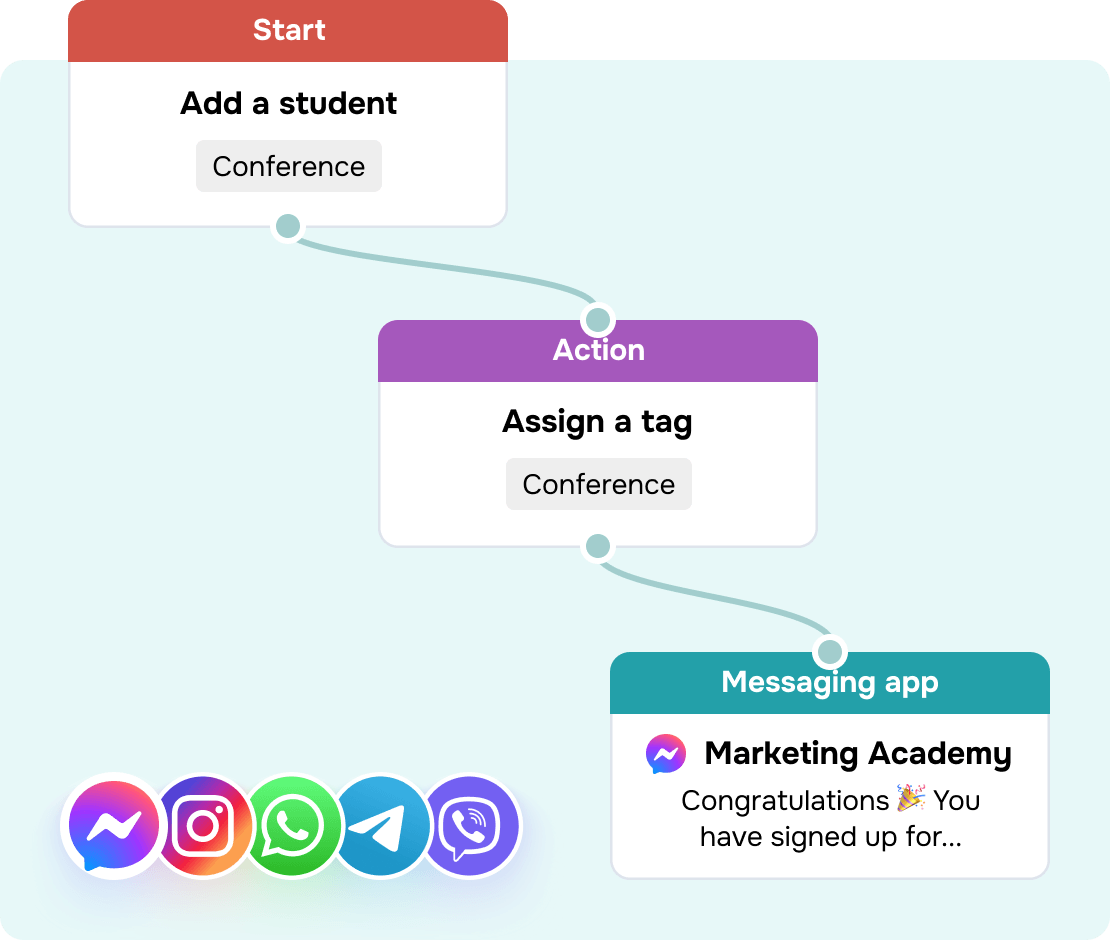
Automate sales from start to finish
Build your automated flow once and let it run. Send event invitations, capture payments, deliver reminders, and guide students all the way to certification with zero manual effort.
Need a human touch? Loop in a team member in one click. They'll see the full conversation history across all platforms in a single workspace — no catching up required.
Run your online academy like clockwork
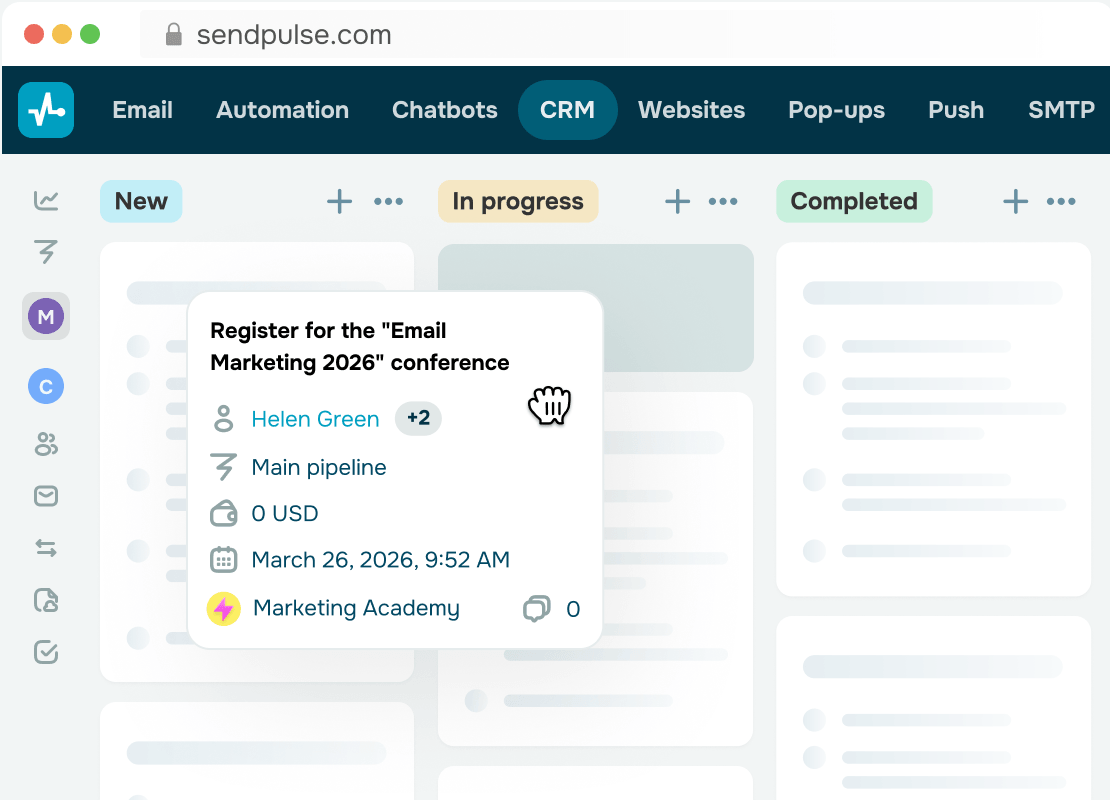
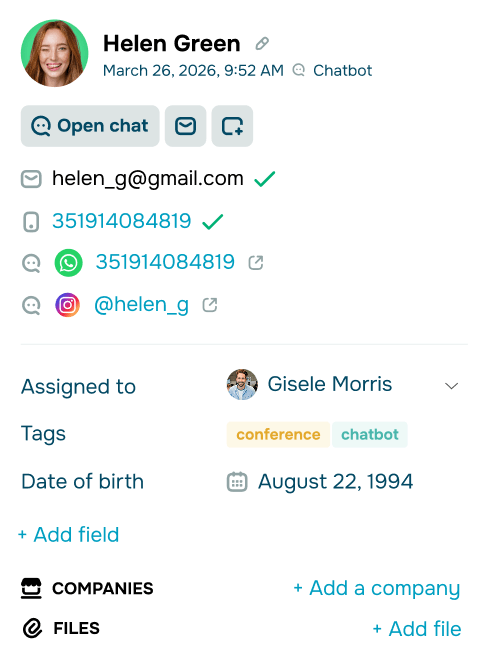
One CRM system to capture it all. Track daily tasks, student data, support requests, payments, and conversations in one place. Streamline your team's workflow and let them do their job without constantly jumping between apps.
Keep sales KPI at your fingertips and make decisions backed by data, not guesswork.
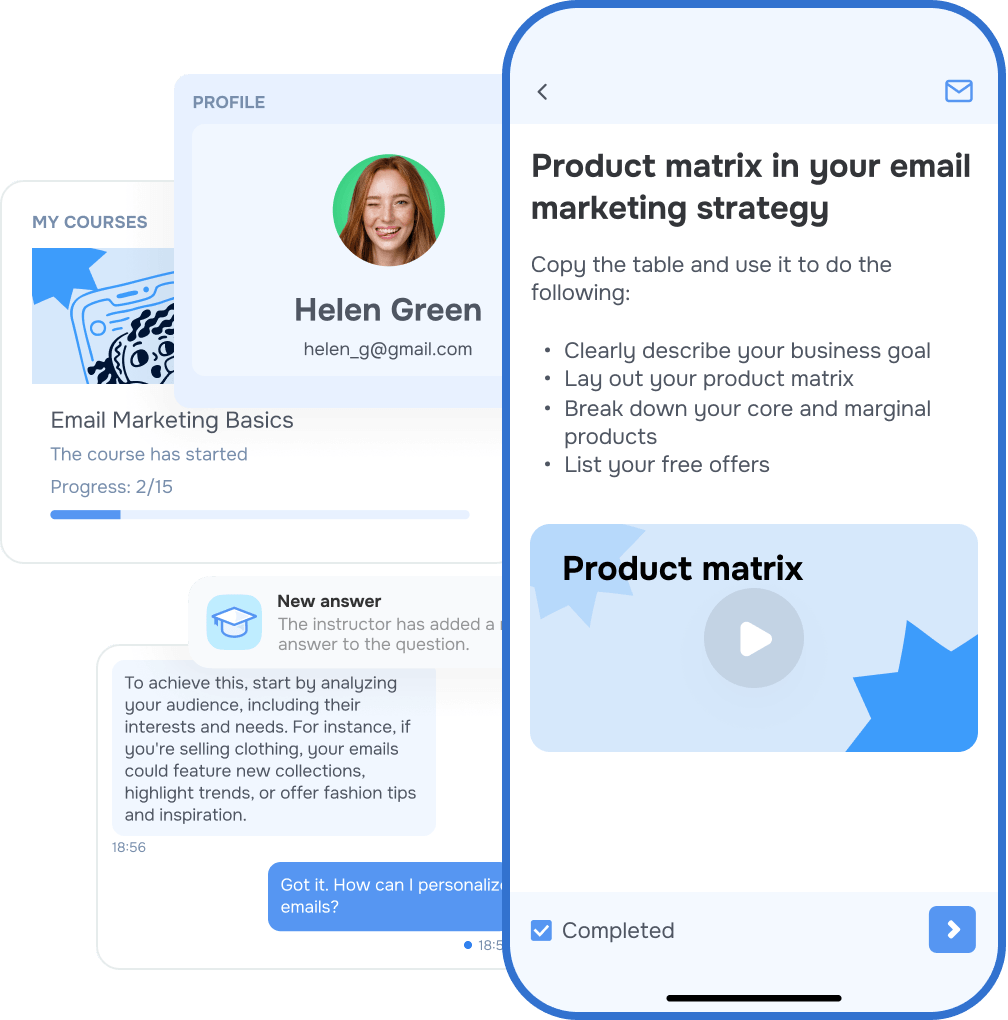
Bring learning to every screen


Bring your entire course lifecycle into SendPulse
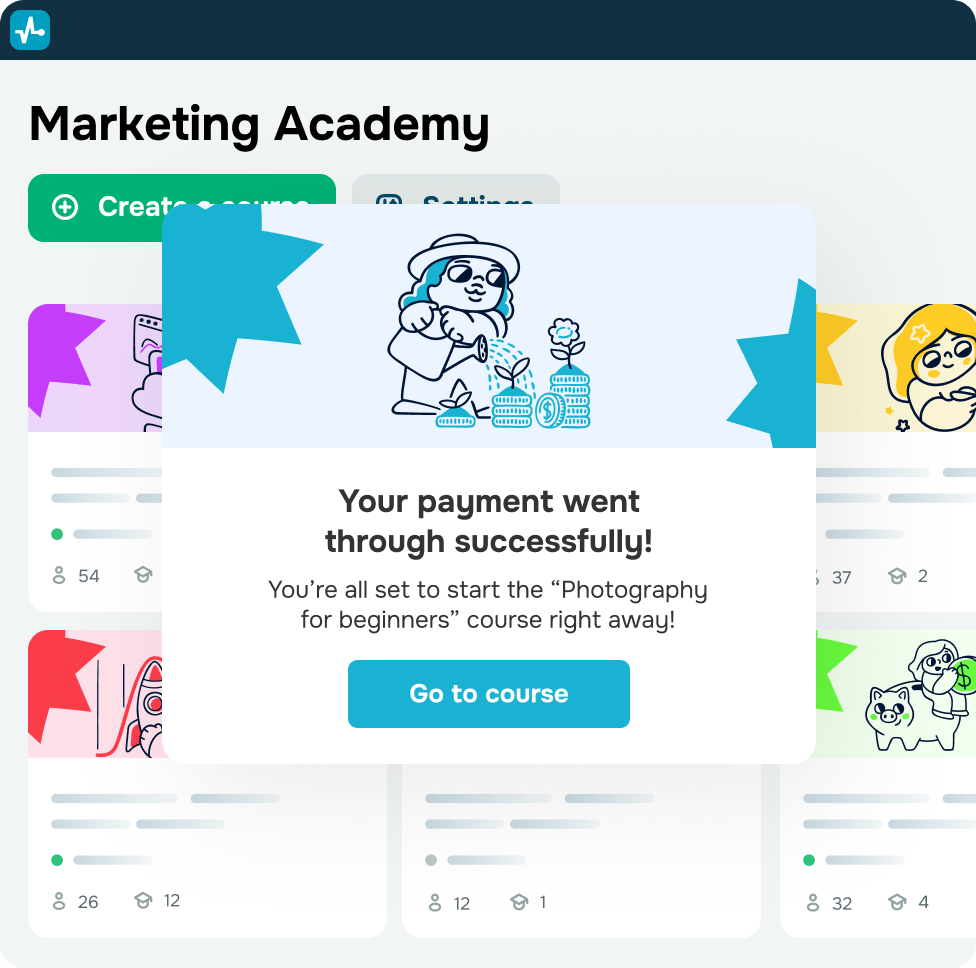
Get more revenue from your current audience
Offer a free plan alongside paid tiers, create promo codes to drive sign-ups, and upsell exclusive content throughout your course. Promote new upskilling courses to graduates through email or student accounts.
Grow your average order value and reach learners across every budget. You can draw in newbies looking for an entry-level program and upsell a premium experience, beefed up with personalized feedback.
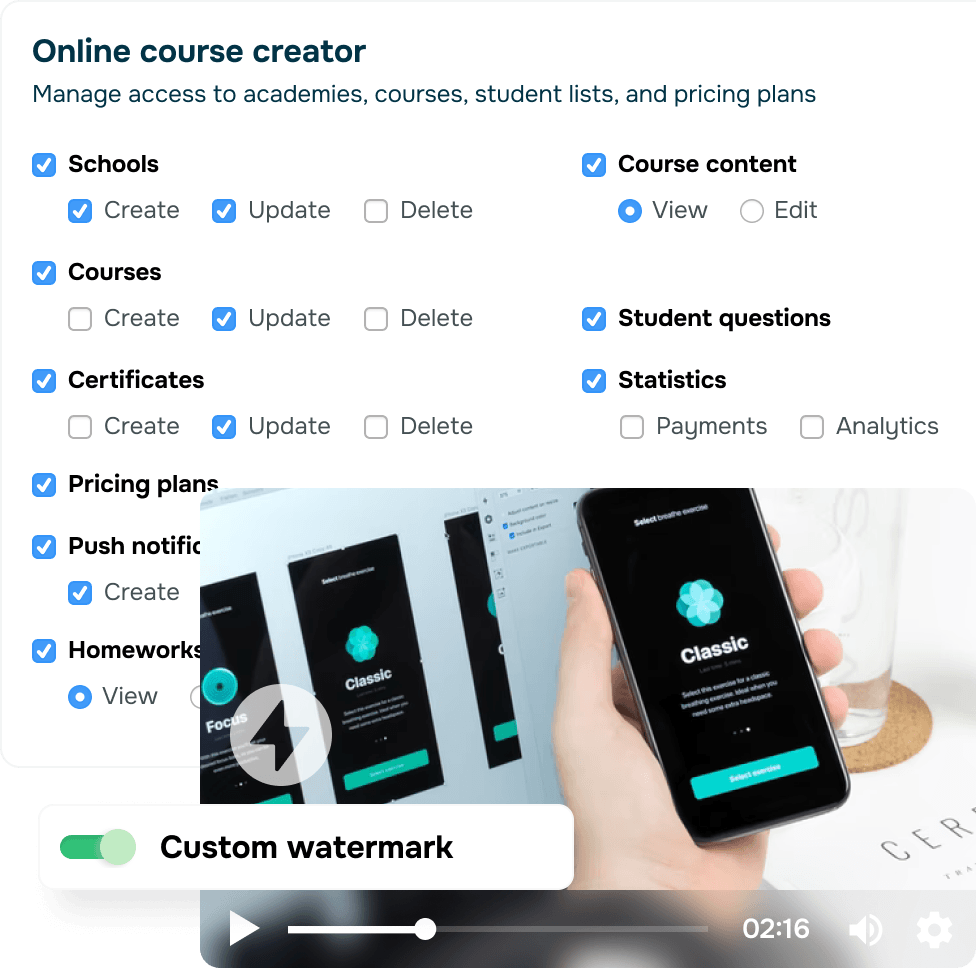
Keep your content protected
Watermark your videos to claim authorship and let software-level protection keep your content safe from unauthorized downloads.
To keep critical information secure, set role-based access for invited instructors and control visibility across content, students, their questions, and assignments.
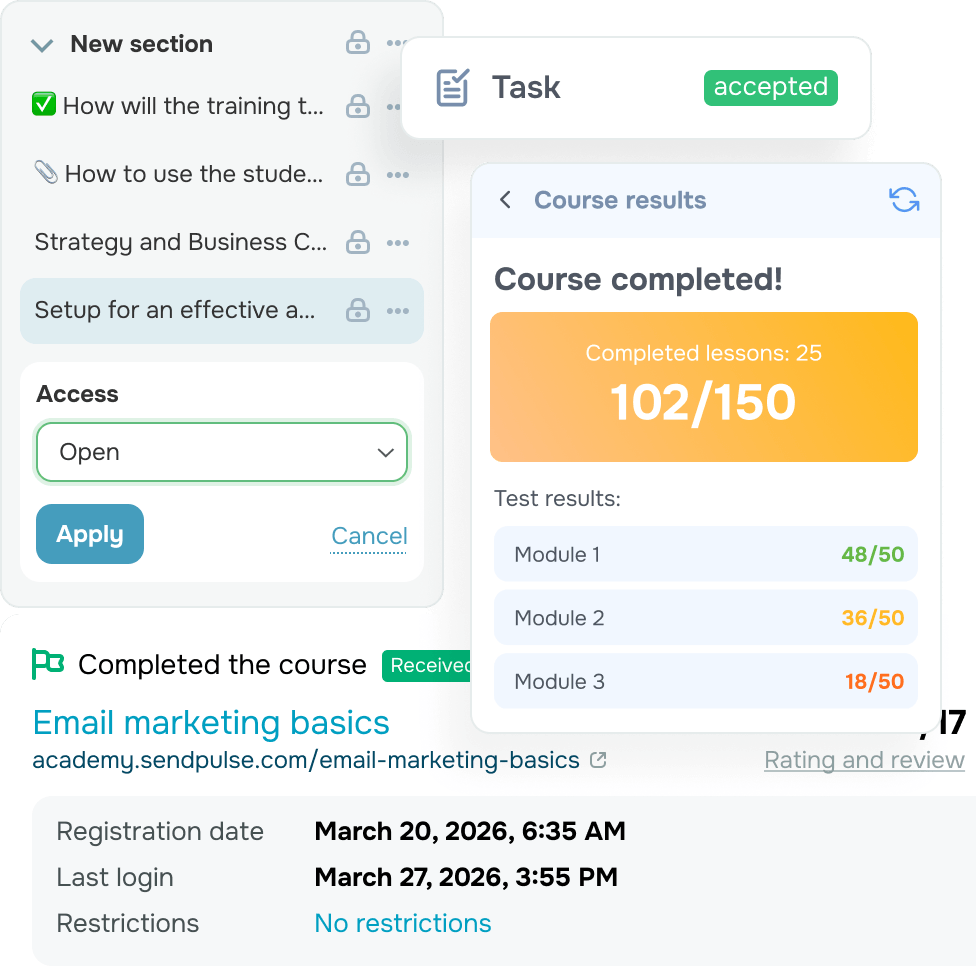
Make every lesson stick
Follow every lesson with quizzes and assignments. Grade submissions manually or automatically, then share feedback anonymously or as an instructor.
Keep students on top of every review, grade, and comment with instant notifications.
Let your students speak for you
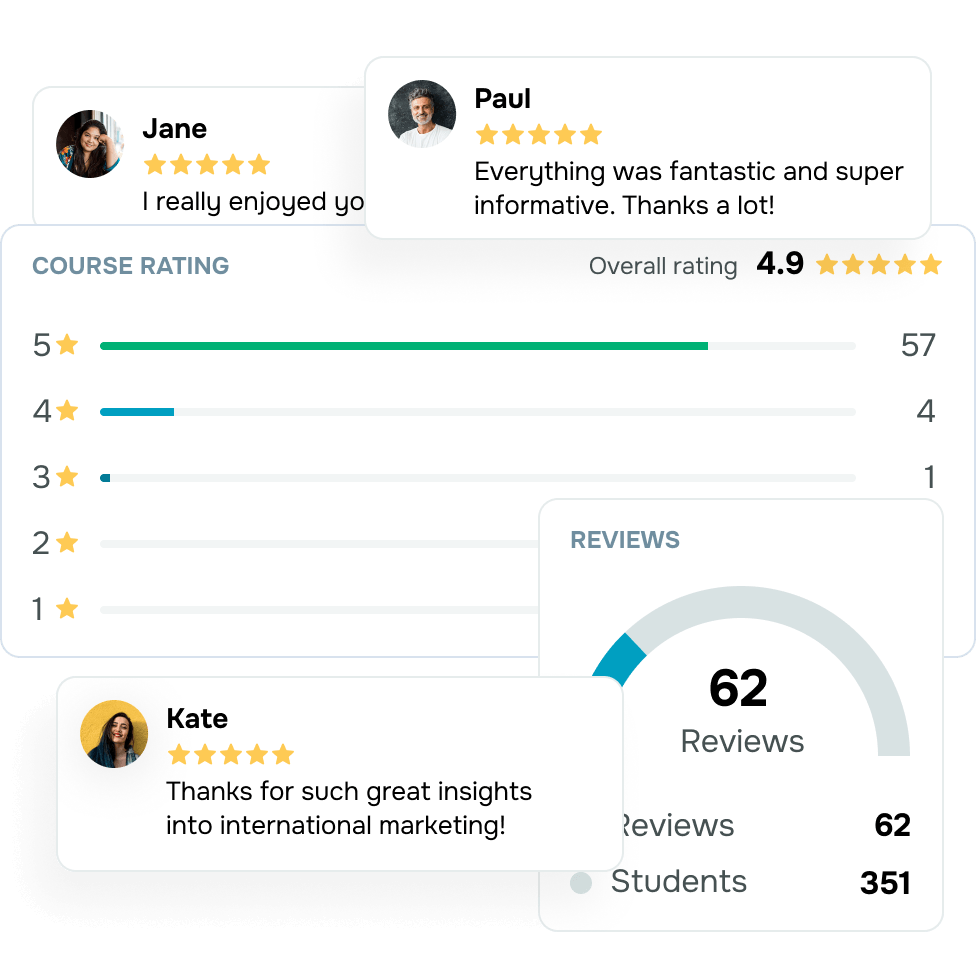
Invite students to rate your lessons and quizzes, then close out with a detailed review and an overall course score.
Use this feedback to evaluate your content, polish up weak spots, promote your course, and win new audiences.
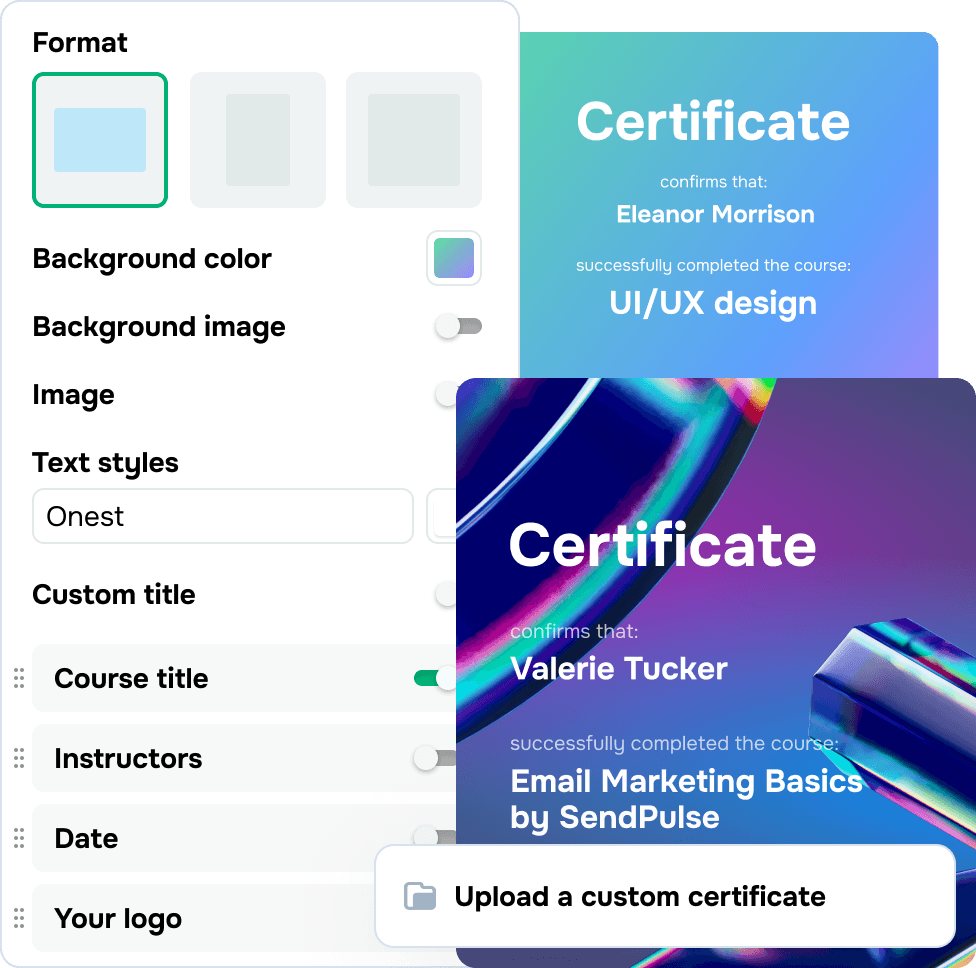
Award certificates to keep students motivated
Set your own certification terms, like lesson completion, test scores, or both. Award one certificate at the finish line or split it into multiple rewards at key milestones.
You can also customize your certificate layout and content. Create a single design for everyone or tailor certificates to each student.
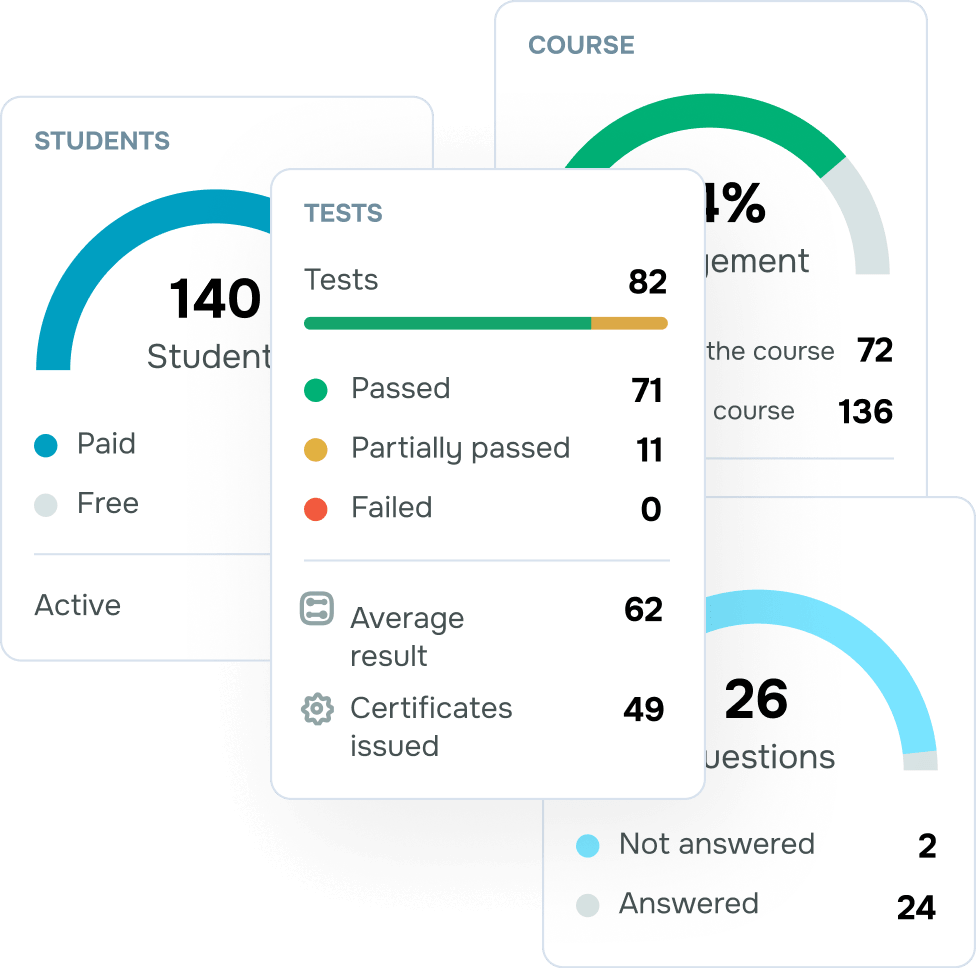
Stay on top of your course performance
Keep an eye on student success, payments, engagement, and certificate metrics to find out what's driving progress and what’s not before your next launch.
Need to go deeper? Export your student list for in-depth analysis, reporting, or integration with third-party tools.
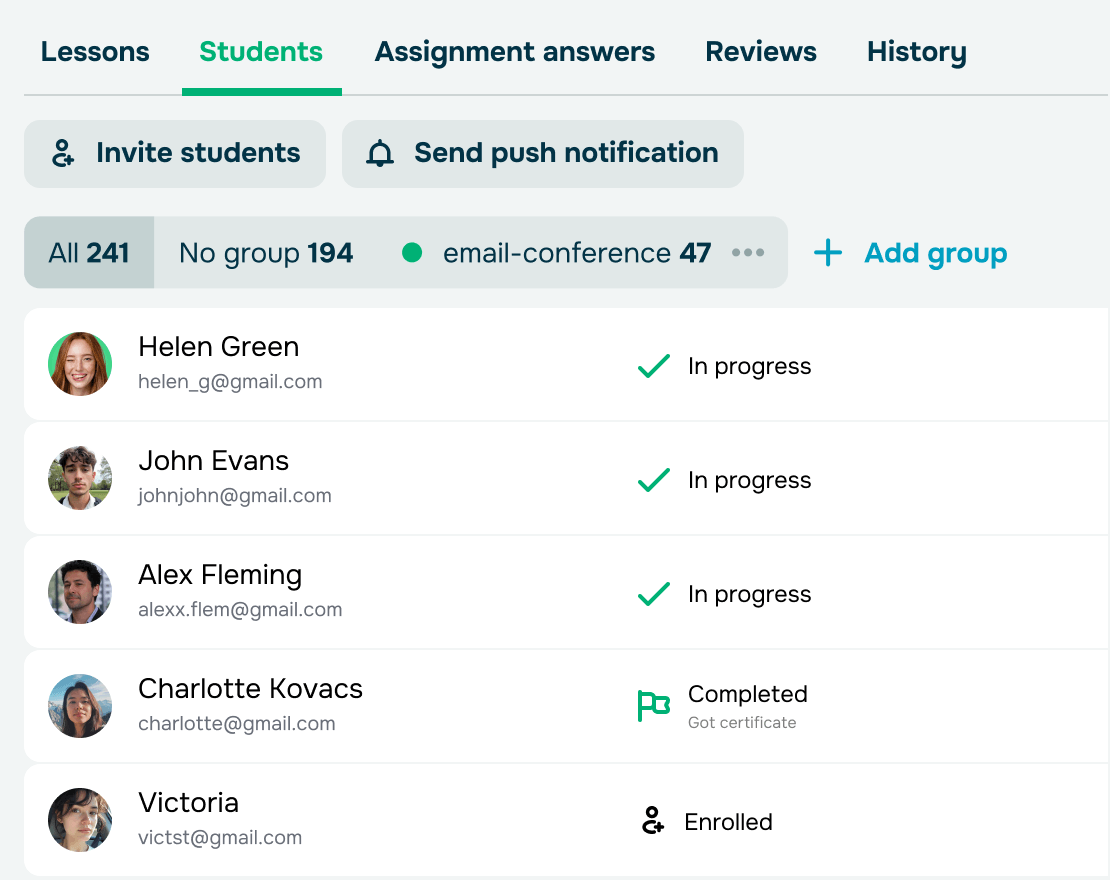
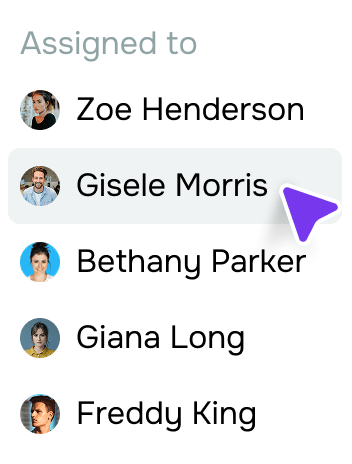
Create a smooth learning experience
Split your audience into groups, assign instructors, and ensure every student gets the attention they need and stays on track.
Groups also help you segment students by skill level, pricing plan, or field of study.
With built-in student-instructor chats, you can also easily support students and keep everyone motivated throughout the course.
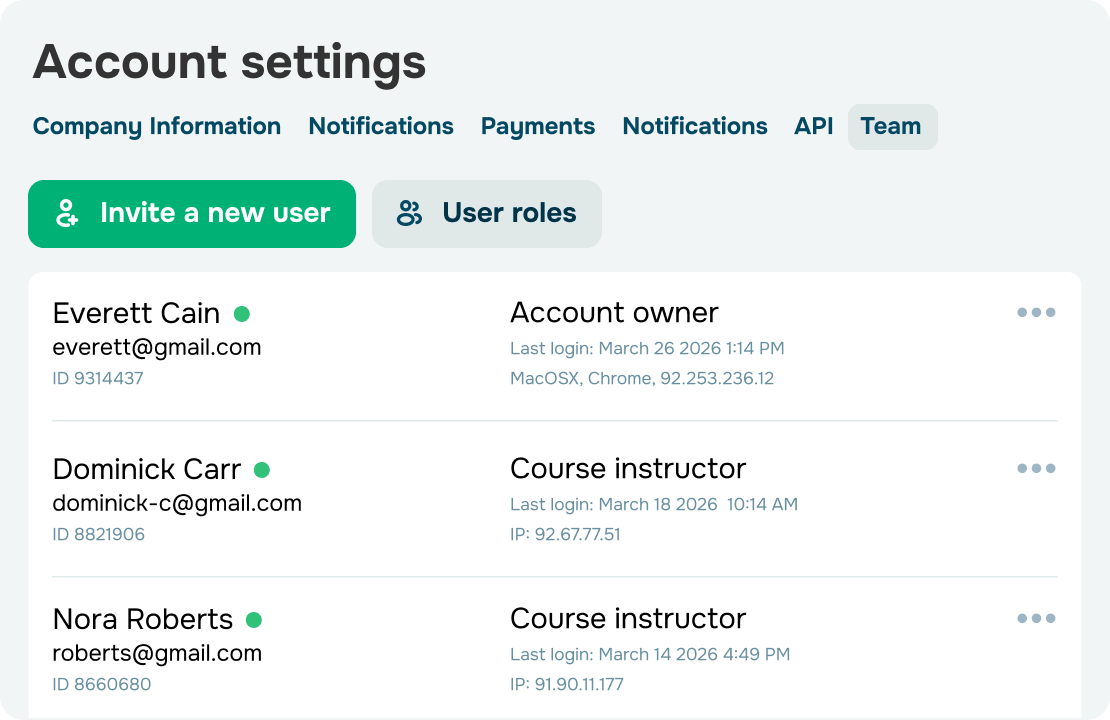



Scale your team without putting your content at risk
Bring in instructors, accountants, sales reps, and anyone else you need to create courses and engage with students.
Share your most valuable content only with those you trust to keep your course and student database protected from unauthorized access.
Get your first online course up and running in a few simple steps
-
Create an account
Create a free SendPulse account and unlock a complete suite of marketing and sales tools — no credit card required. -
Build an online academy
Name your academy and set its type. Then craft your course website using a pre-made template or start from scratch. -

Design your first online course
Add video, audio, and text content to your lessons. Then round them off with quizzes and assignments to test your students' knowledge. -
Launch and capture first payments
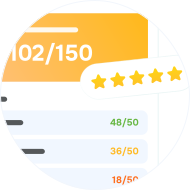
Set course completion conditions, craft a certificate, and bring your instructors and students on board. Once you’re live, track your course performance and refine it for future runs.
Overall, it has been a great experience with SendPulse Course Builder. I highly recommend SendPulse to everyone; especially because you have the free options to play with before being a paid customer.
Avash K.
Self-employed
I actively use SendPulse for my video content school — and I’m very satisfied with the results. What I appreciate most is that everything is in one place: email campaigns, chatbots, CRM, subscription pages, and automated funnels — all seamlessly integrated and easy to manage from a single dashboard.
Alexey
Founder
I used the app for online course building and I loved it! I highly recommend SendPulse to any educational project that wants to automate communication, boost efficiency, and grow 2–3 times faster.

Julia
Self-employed
I am a marketer and I've been using SendPulse for the past two years in my work, helping experts create and sell their online courses. And I'm satisfied with this platform. I highly recommend it to anyone involved in the online course industry.

Karina
Marketer
I've been using SendPulse for several months now to run 3 courses and it has been a great experience. SendPulse provides great automation features, including triggers, workflows, and AI capabilities, enabling personalized and targeted communication.
Anna
Founder
One of the most complete, easy to use, and high quality marketing solutions in the market. They have awesome support and I totally recommend their Online Course Creator, Email Campaigns, Landing Pages, Chatbots, SMS and Web Push!

Alexandre
CEO
Very good and easy to use service! I created my first online course and a chatbot for my course. Easy to use, connect and test. Everything works well and tech support is very helpful.

Khrystyna
Founder
I am an entrepreneur who started her business online (I sell courses) and finding this all-in-one marketing platform was the best thing that happened to me. With the free plan I was able to do a lot of great things, now I started paying for the standard plan because my mailing list has grown.

María
CEO
Learn how to create and promote your online course on our blog!

FAQ
What is an online course builder?
It's a tool that helps you focus on teaching while workflows run automatically. With an intuitive course builder, you can create high-quality eLearning content, promote your courses, track student progress, award certificates, engage your audience across multiple platforms, and turn your expertise into revenue.
Why do I need an online course builder?
SendPulse’s online course builder is a versatile, all-in-one tool that helps create pro-level content from the ground up. You can craft course pages and registration forms without writing a single line of code, promote and sell your courses, manage student data, and reach your audience through emails, chatbot messages, SMS, and push notifications.
How do I create an online course with SendPulse?
Create a SendPulse account, head to the “Courses” section, click “Create academy,” and follow the on-screen guide. Then, set up your academy, add text, audio, and video content to your lessons, and have your course up and running in no time.
From there, you can promote, sell, and stay in touch with your students — all without leaving your SendPulse account. Learn more about SendPulse’s online course builder in our guide.
What does it cost to create a course?
Kick things off with a free plan supporting up to 200 students. Then, when you’re ready to scale, upgrade to a PRO plan and grow your audience without limits, capture payments, brand your courses, and unlock other advanced features.
What are the best ways to promote my course and bring in students?
For every course you launch, you automatically get a dedicated SEO-friendly landing page with your course's description. You can then promote it through targeted ads and social media. Better yet, you can try SendPulse's full marketing and sales suite, including chatbots, emails, SMS campaigns, and webinar features. Everything you need is available on a single dashboard the moment you create your account.
How do I enroll students in my course and stay in touch with them?
You can invite students manually using their email addresses or migrate them from other courses. Students can also enroll through your auto-generated landing page or chatbot payment flow.
Can I get help when I need it?
Absolutely! Our support team is here for you around the clock. Just start a live chat or fill out a form, and we'll take it from there.
Can I get an expert to help me set things up?
Yes, you can reach out to a certified expert from our partner catalog who can assist you or take the entire setup off your hands. Submit a request, and we’ll match you with the right partners who will reach out to you shortly.
Create and launch your first course today
Go live with up to 200 students — free of charge, no credit card required.
Start for free
or